Image Compare
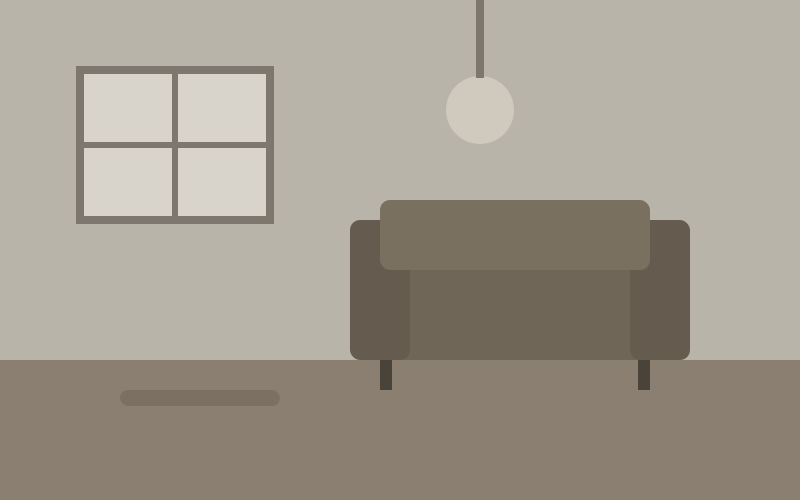
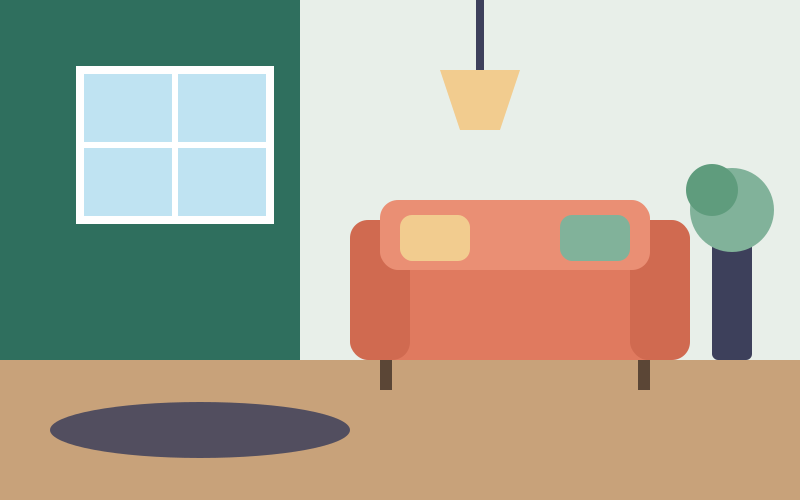
A before/after slider: two layers on top of each other, the after layer cut at a divider the reader drags.
c2-image-compare lays two layers on top of each other and cuts the after layer at a divider the reader drags: a retouched photo, a redesign, two versions of a chart or two map layers. The layers are any elements you slot, not only images.
Import
import '@c2n/components/image-compare'Usage
Layers
The before slot sets the size: give its image a width and height (or the component a --c2-image-compare--aspect-ratio) so the space is reserved before it loads. The after slot is laid over it and cut at the divider. Any element works in either slot: a c2-image, a <canvas>, a chart or a map; it is sized to fill the frame.
position is the share of the before layer shown, from 0 to 100 (default 50). orientation="vertical" puts the before layer on top. before-label and after-label draw chips in the corners; each belongs to its layer, so the divider cuts it as it passes.
Moving the divider
Drag the handle, or press anywhere on the images to move the divider there. With hover it follows the pointer without a press (a touch still drags). input fires while it moves and change once it settles: on release, after a key, or when the pointer leaves in hover mode. Read position in either.
Accessibility
The handle is a slider whose value reads “30% before, 70% after”. Its name is label, or “Compare: …” built from the alternative text of the two layers; set label when the images are decorative (alt=""). The arrow keys move the divider 1% in the direction pressed, Page Up and Page Down 10%, Home and End to the edges.